First Month Free — use code BTS40. Offer valid for 80 credits plan.Learn More
There are no open spots for this class, but we found something similar!


120
($60 value)
%20(600%20x%20288%20px)%20(3).png?fit=crop&height=179&width=344&quality=80&strip=true)
1:1 Tutoring - Scratch Coding Classes for Beginners and Intermediate Students
Ages 6-11
Live Private Class

Average rating:
4.8
Number of reviews:(2,707 reviews)
Popular
Live video meetings
1x per week
60 min
Overview

Live Private Class
Meet over live video meetings1 live meeting
1 in-class hours per weekClass Experience
US Grade Kindergarten - 7
Beginner - Intermediate Level
Please send a message to request a specific day and time. We are flexible!

Let's learn how to code using Scratch! This class is designed for kids who thrive in a one-on-one environment. Each week we will design a simple video game using popular video game characters, see schedule below. We can move as fast or as slow as your child would prefer. Private classes are great because we can easily move in the direction of your child's interests and the class will be tailored to his/her pace and learning style.

There are several class times listed, but please send a message if you would like to schedule a class at a different time. This class is ongoing which means you can start and stop at any time.

Crazy Kids Coding Class sequence:

Step 1: Take 2-5 weeks of our "Introduction to Coding - Scratch for Beginners" class.

Step 2: Take one of our level 2 classes:
Option 1: Video Game Coding Club Using Scratch
Option 2: Digital Art and Story Telling With Scratch

Step 3: Intermediate Video Game Coding Club

Other available coding classes:
Scratch Jr. for kids ages 3-7
Private 1:1 lessons

When kids learn to code and create their own games, they are are the creators, rather than just the user of someone else's creation. It is an excellent skill for technology loving kids that required problem solving, multitasking, creativity, and story telling. Through coding they learn the complexities of video game creation, and benefit from actually creating the game, rather than just playing the finished product. Once they've taken this class, they will be able to use their Scratch account and knowledge they've gained to continue making their own creations, even after class has ended.

In this class you will need a computer, mouse, keyboard, and a web browser open to https://scratch.mit.edu/. Please create a username and password before class starts so you can save the project we create. We will not be using Scratch Jr. or any apps in this class. This class works best if taken using two screens so students can easily see the teacher's screen and their own, but one screen will work too. You can use a tablet to have zoom running if you'd like, but the you will need a computer for using the Scratch program because students will need a mouse and keyboard.

Schedule

Week of August 24th: Create a Sonic game
Week of August 31st: Create an Among Us game
Week of September 1st: Create a Donkey Kong game
Week of September 8th: Create a Lego game
Week of September 15th: Create a Mario game
Week of September 22nd: Create a Ninja Turtle game
Week of September 29th: Create a Super Smash Bros game
Week of October 5th: How to create your own characters
Week of October 12th: Create a Luigi's Mansion game
Week of October 19th: Create a Zelda game
Week of October 26th: Create a Mario Kart Game
Other Details
Parental Guidance
We will be using the Scratch website: https://scratch.mit.edu/ Students will need an account set up with a username and password before class.
External Resources
In addition to the Outschool classroom, this class uses:
Offered by
Joined June, 2020
4.8
2707reviews
Popular
Teacher expertise and credentials
2 teachers have teaching certificates
Utah Teaching Certificate in Elementary Education
Missouri Teaching Certificate in Elementary Education
3 teachers have a Graduate degree
Master’s Degree in Education from Western Governors University
Doctoral Degree in Education from St. Louis University
Master’s Degree in Elementary Education from Washington University-St. Louis
Master’s Degree in Engineering (General) from University of Toronto
7 teachers have a Bachelor’s degree
Bachelor’s Degree in Early Childhood Education from Western Oregon University
Bachelor’s Degree in Science from Utah State University
Bachelor’s Degree in Psychology from University of Missouri-Columbia
Bachelor’s Degree in Family and Consumer Sciences/Human Sciences from University of Missouri-Columbia
Bachelor’s Degree in English Language and Literature from CUNY Hunter College
Bachelor’s Degree in Health and Physical Education/Fitness from Brigham Young University Idaho
Bachelor’s Degree in Engineering (General) from University of Toronto
Bachelor’s Degree in Fine/Studio Arts from New Jersey City University
1 teacher has an Associate’s degree
Associate’s Degree in Science from Weber State University
I currently teach two other coding classes on Outschool. I've also hosted after school coding clubs for our local charter school. Reviews
3 total ratings, 3 with reviews


Other classes by Crazy Kids - Coding, Art, Fitness, and More!
%20(600%20x%20288%20px).png?quality=80&strip=true)
%20(600%20x%20288%20px)%20(2).png?quality=80&strip=true)
%20(600%20x%20288%20px)%20(2).jpg?quality=80&strip=true)
%20(600%20x%20288%20px)%20(2).png?quality=80&strip=true)
%20(600%20x%20288%20px)%20(1).jpg?quality=80&strip=true)
%20(600%20x%20288%20px)%20(3).png?quality=80&strip=true)
%20(600%20x%20288%20px)%20(3).png?quality=80&strip=true)
%20(600%20x%20288%20px).jpg?quality=80&strip=true)
%20(600%20x%20288%20px)%20(1).png?quality=80&strip=true)

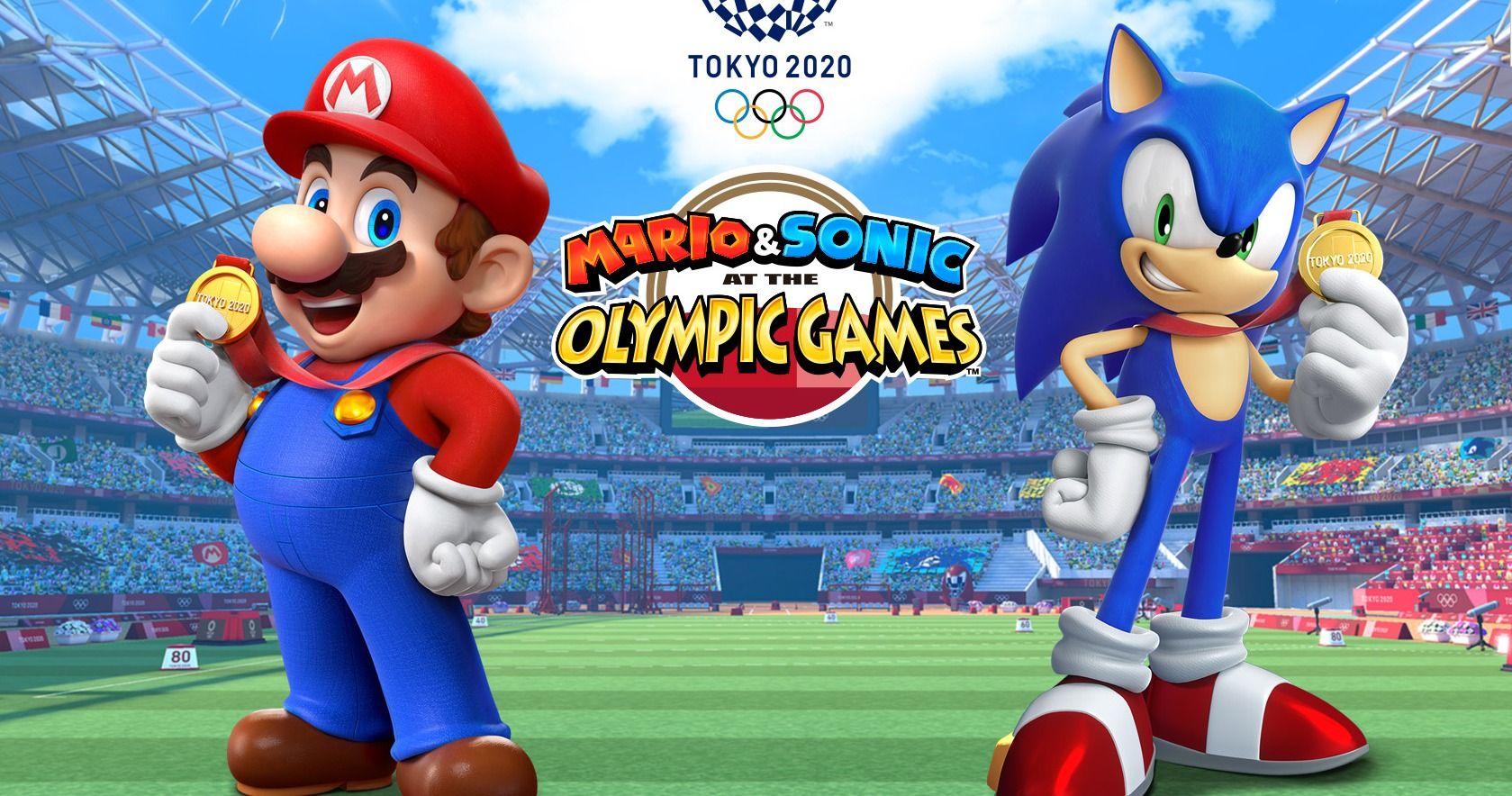
Other classes by Crazy Kids - Coding, Art, Fitness, and More!
Parents also liked
Scratch Coding
Mehrab Ahmad
5.0
(3)
$20 per class
Next session at 9 PM tomorrow
Group Class
1/wk, 55 min
7-12

Scratch Coding Club
Mr. Steven
5.0
(17)
$18 per class
Next session at 10:30 PM on Fri 10/24
Group Class
1/wk, 30 min
7-12
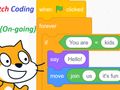
Scratch Coding for Kids (on-Going)
Paul Yiu
4.8
(400)
$18 per class
Next session at 3:30 PM on Saturday
Group Class
1/wk, 55 min
7-12

1:1 Scratch Coding Lessons (Beginner, Intermediate, or Advanced)
Coco Coders
4.8
(978)
$60 per session
1-on-1 Lessons
On Demand
5-14

Scratch Coding Beginners Code-A-Thon Game & AI Programming! (Flexible Schedule)
Coding Doctors Learning Lab, Inc.
4.8
(1,278)
$10 per week
Self-Paced Class
5 weeks
7-12

Fun Scratch Coding Projects for Kids (Level 1)
AI Code Academy
4.7
(1,876)
$20 per class
Next session at 11 PM on Wed 10/15
Group Class
10 wks, 1/wk, 1 hr
8-12

Scratch Coding Club for Beginners - Make Video Games - On-Going, Multi-Week
Dan Hartman
4.9
(579)
$20 per class
Next session at 1 PM on Saturday
Group Class
1/wk, 30 min
7-12
Builder's Club Weekly Scratch Coding Class
Nevin Oliver
4.9
(167)
$30 per class
Next session at 4:30 PM on Sat 11/1
Group Class
1/wk, 55 min
6-11
.png?fit=crop&height=90&width=120&quality=80&strip=true)
Scratch Coding Club for Intermediate Programmers
Ms. Sara (STEM Apprentice Academy)
5.0
(594)
$24 per class
Next session at 11 PM today
Group Class
1/wk, 45 min
8-10

Basic Easy Intro to Scratch Coding Interface | Block Coding 101-Beginner-Level1
Teni
5.0
(51)
$18 per class
Next session at 4 PM on Mon 10/20
Group Class
1 wk, 1/wk, 35 min
7-12
.png?fit=crop&height=90&width=120&quality=80&strip=true)
Scratch Coding Semester 1 - Beginner Level
Ms. Sara (STEM Apprentice Academy)
5.0
(594)
$30 per class
Next session at 2 AM on Thu 1/8
Group Class
12 wks, 1/wk, 45 min
7-10
.png?fit=crop&height=90&width=120&quality=80&strip=true)
Scratch Coding & Computer Skills Technology Club - Beginner
Ms. Sara (STEM Apprentice Academy)
5.0
(594)
$24 per class
Next session at 3 PM on Tuesday
Group Class
1/wk, 45 min
7-9
.jpg?fit=crop&height=90&width=120&quality=80&strip=true)
Project-Based Scratch Coding for Kids (Level 1)
AI Code Academy
4.7
(1,876)
$30 per class
Next session at 11:30 PM on Monday
Group Class
10 wks, 1/wk, 1 hr
8-11
Scratch Coding All About Sports Beginner-Intermediate Levels (Flexible Schedule)
Coding Doctors Learning Lab, Inc.
4.8
(1,278)
$9 per week
Self-Paced Class
4 weeks
8-13
.png?fit=crop&height=90&width=120&quality=80&strip=true)
Scratch Coding Mini-Game Programming Camp: Poppy Playtime Escape Run!
Young Art: Art Education, Fashion Design, Coding
4.7
(4,899)
$20 per class
Next session at 9 PM on Monday
Group Class
1 wk, 3/wk, 55 min
9-14
Scratch Coding STEM Lessons Tutoring 1:1 Or Sibling
Michelle Lewis Scratch Coding STEM Educator
5.0
(22)
$30 per class
Next session at 8 PM tomorrow
Group Class
1/wk, 25 min
7-12
Are you planning to use state funding, such as an Education Savings Account (ESA), Micro-grant or scholarship to help pay for your learner’s education?
Financial Assistance
Homeschool Resources
Tutoring
More to Explore
Classes by Age
Classes by Grade
Get The App