Coming soon: Your experience, more visible on class cards
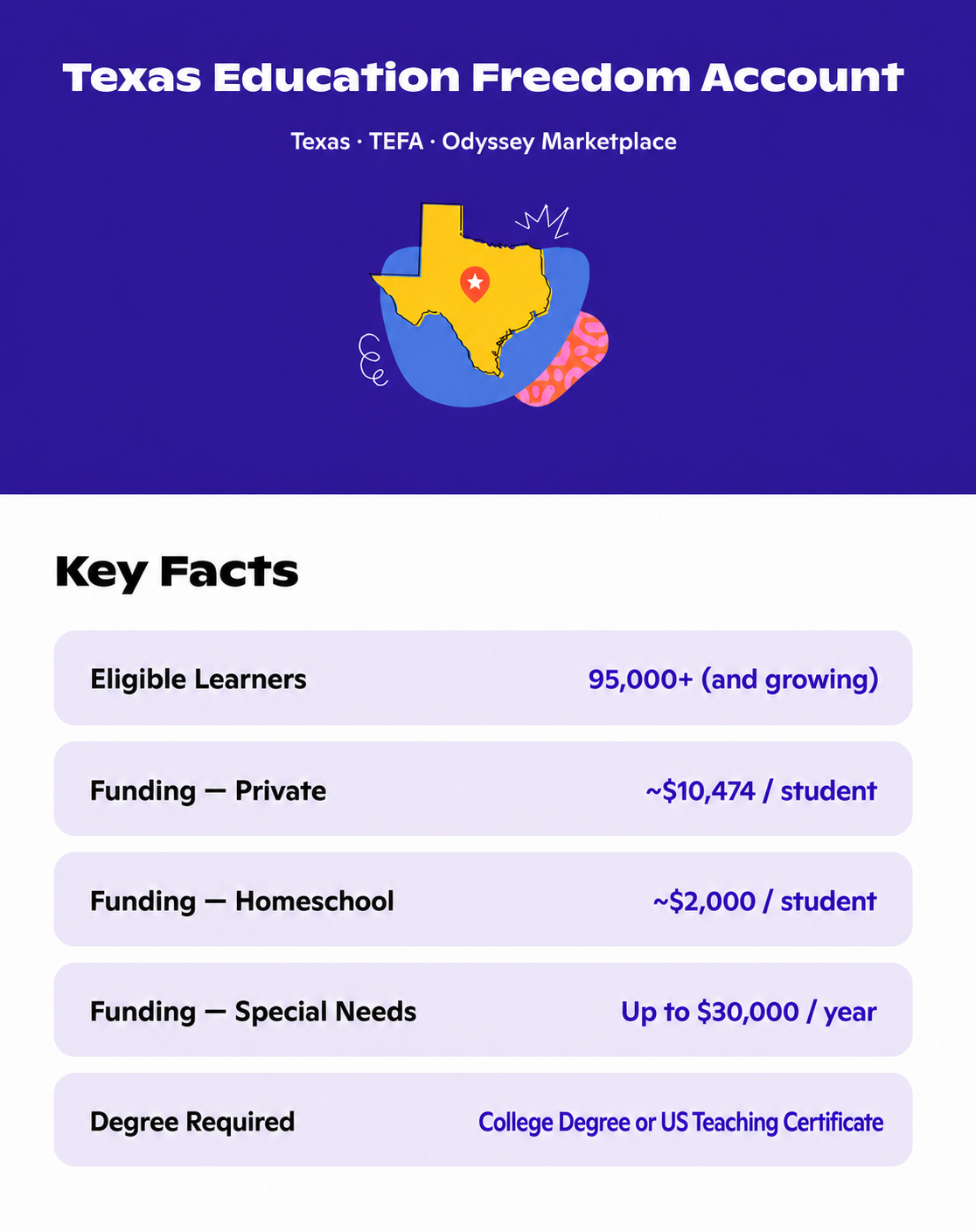
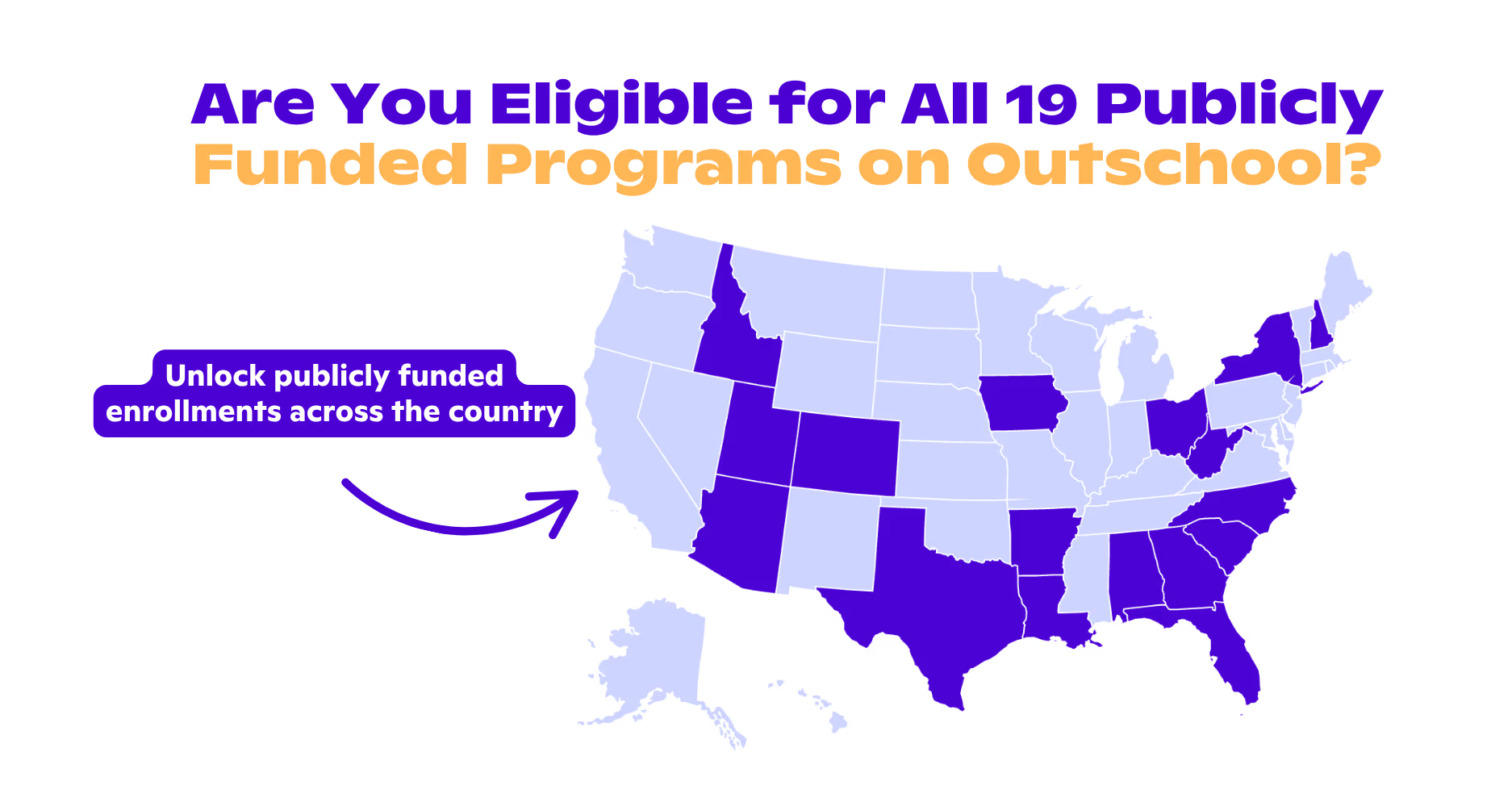
In the coming weeks, we’re updating class cards to give families more specific information while they browse. Class cards will highlight relevant educator credentials, along with clearer class-size and state-funding information.
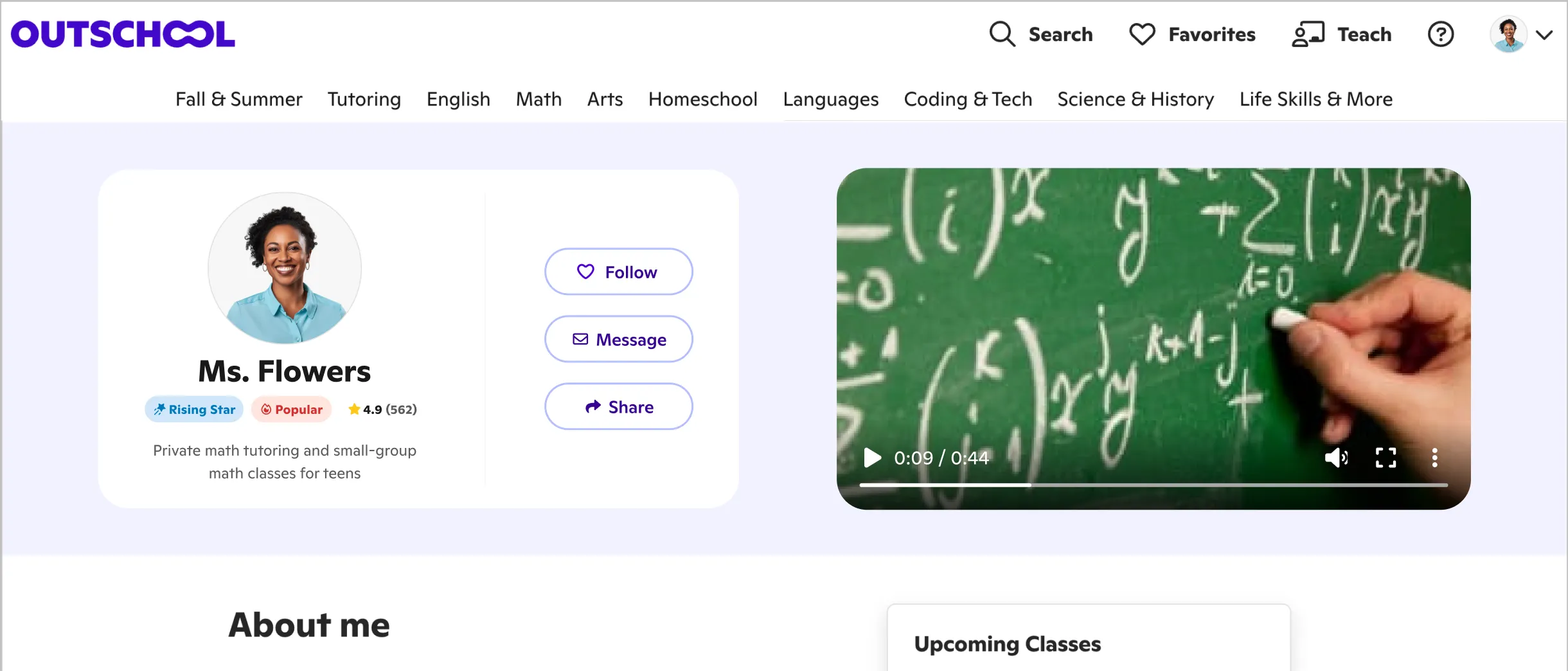
As part of this update, the Star Educator, Popular Educator, and Rising Star badges will no longer appear on class cards. We recognize that retiring badges educators have earned may feel disappointing. This change doesn’t take away from the work or accomplishments the badges represented, but instead, it allows the limited space on each card to show families information that is specific to both the educator and the class.
For each class, you’ll be able to choose one credential to display on the card and two additional credentials to display when a family views more information. Your other credentials will remain available on the class detail page.You won’t need to update every class unless you want to. Each class will begin with a default credential order:
- Teaching certifications
- Graduate degrees
- Other degrees
- Years of experience
If you run an organization: Organizations will set one credential order that applies across their teachers. Organization administrators may want to confirm that teachers’ credentials are up to date before the change takes effect.
To prepare now: review or add your degrees, certifications, and work experience here:
Add Your Credentials Here
For a preview of the updated class cards, Matt from our product team put together a walkthrough for you.
Preview New Class Cards
We know credentials are only one part of what makes an educator stand out. We’ll continue exploring ways to help families better understand the knowledge, experience, and teaching strengths educators bring to their classes.