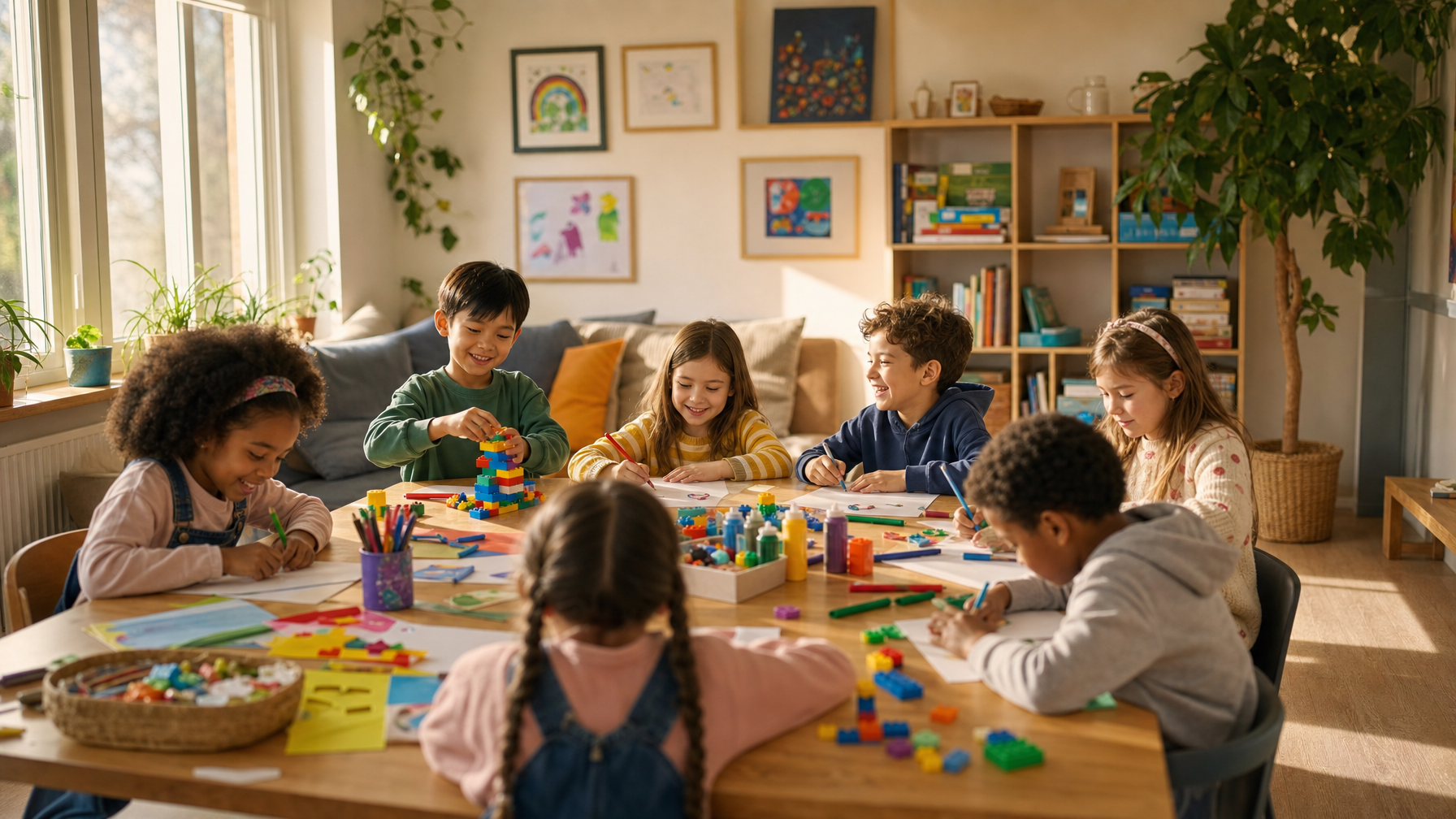
Search “coding classes for kids” and you get a wall of options: game-based apps, video libraries, boot camps, one-off workshops. They are not the same thing, and the gap between them shows up fast once your kid moves past dragging colored blocks around a screen.
The question that matters is not “which app teaches Python.” It is whether your kid gets feedback when their code breaks, and whether the class meets them where they are. Here is how to tell the difference, plus where to start by age.
Live classes vs. self-paced apps: the real trade-off
Self-paced apps are cheap, always available, and genuinely good at the basics. A kid can learn loops and conditionals on Scratch or Tynker at 7am in pajamas. What they can't do is notice when your kid has been stuck on the same bug for twenty minutes and is about to quit.
That is the moat with a live class. A teacher reads the actual code, spots the missing bracket, and asks the question that gets your kid unstuck without handing them the answer. Debugging with a person is where the durable skill forms: patience, breaking a problem into pieces, and the small thrill of fixing something yourself.
A reasonable pattern for most families is a self-paced app for daily reps, and a live class once or twice a week for projects, feedback, and momentum. If your kid has already outgrown block coding, live instruction is worth prioritizing. We wrote more about that jump in hands-on tech for kids who've outgrown entry-level coding.
What to learn by age
Coding skills build in a rough progression, similar to the way the CSTA K-12 Computer Science Standards sequence concepts from patterns to algorithms to abstraction [1]. You don't need to follow it rigidly, but it helps to know what fits.
- Ages 5 to 7: Block-based coding (Scratch Jr, Scratch). The goal is sequencing and cause-and-effect, not syntax. Making a cat move across the screen counts as a win.
- Ages 8 to 10: Scratch projects with variables and events, plus game modding in Roblox or Minecraft. This is where kids start building things they actually want to show you.
- Ages 11 to 13: The bridge to text-based coding, usually Python. Small games, simple animations, and their first real encounter with typos that break everything.
- Ages 14 and up: Python in depth, JavaScript and web basics, and intro data or AI concepts. Portfolio projects start to matter here.
If you are teaching alongside a class, our guide on how to teach coding at home walks through this with no tech background needed.
How to judge a class before you enroll
Skip the marketing copy and look for four things:
- Class size. Coding help has to be individual. A teacher juggling 25 kids can't read everyone's screen. Small groups or 1:1 win here.
- Project output. Ask what your kid will have built by the end. “A working game they can share” beats “completed 12 lessons.”
- Real feedback. Does the teacher review code and coach revision, or just play videos? This is the whole ballgame.
- The right entry point. A kid who already knows Scratch will be bored in an intro block class and lost in a syntax-heavy one. Match the level, not the age.
$20 off your first class WITH promo code: blog
Build the Education your Kid Deserves
Discover thousands of live classes taught by expert teachers, across academics and enrichment.
Browse classesHow the major platforms compare
Honest version, because every one of these has a place:
- Code.org: Free, excellent for a first taste, curriculum-style. Great value, light on live feedback.
- Tynker: Polished game-based path from blocks to Python. Strong for self-paced daily practice.
- Juni Learning: 1:1 tutoring, structured, premium price. Good if you want a single consistent instructor.
- Outschool: Live teacher-led classes across Scratch, Python, Roblox, Minecraft, and web design, in small groups or 1:1, with teachers who read your kid's code. This is the live-feedback model, and it is ESA-eligible in many states.
None of these is wrong. The split most families land on: an app for reps, a live class for the parts that need a human.
Using ESA funds for coding
If your family has an education savings account, coding classes are usually a covered expense under online classes or tutoring. In ClassWallet and Odyssey states, Outschool classes can be booked directly through your account. That turns a “maybe later” enrichment into something your funds already pay for. Check your program's approved-expense list, then browse for a class at your kid's exact level.
Where to start this week
If your kid is new to coding, start with a free block-based app to confirm they enjoy it, then add one live class for projects and feedback. If they have already built a few Scratch games, skip ahead to a live Python or game-design class so the challenge keeps up with them. For the bigger picture on why this matters, see why your child should learn to code and our roundup of top online coding classes for kids.
The best coding class is the one your kid comes back to. Match the level, prioritize real feedback, and let the projects pull them forward.
Sources
- Computer Science Teachers Association (CSTA). K-12 Computer Science Standards. https://csteachers.org/k12standards/


.svg)
.svg)