The finder tool and Odyssey are two different things
This is the most common point of confusion for families new to TEFA, so it is worth addressing upfront.
The Texas Education Agency offers a provider finder at finder.educationfreedom.texas.gov. This tool is useful for browsing which providers and schools are approved for the TEFA program. But you cannot purchase anything through the finder. It is a discovery tool only.
All actual TEFA purchases happen inside the Odyssey marketplace at withodyssey.com. Think of the finder as a catalog and Odyssey as the checkout. Once you find a provider you like in the finder, you still need to locate them inside Odyssey and complete your purchase there.
This guide walks through how to navigate Odyssey, what to look for in provider listings, how Outschool's credit system works, and how to avoid the most common first-time mistakes.
What is the Odyssey marketplace?
Odyssey is the online platform used to manage TEFA funds and make approved educational purchases. Through the Odyssey marketplace, you can browse approved educational providers and services, including private schools, tutoring, online learning programs, curriculum, therapies, technology, and other approved educational resources.
All TEFA purchases must be made through Odyssey. You cannot pay a provider directly and request reimbursement later, so confirming that a provider is listed inside Odyssey before making educational plans matters. New providers are added to the marketplace on a rolling basis throughout the year.
Step 1: Log into your Odyssey account
Log into your Odyssey account at withodyssey.com. Once your TEFA funds become available, your dashboard will show your available balance, student account information, transaction history, marketplace access, and any outstanding tasks connected to your account.
Before purchasing, review your family's account information and confirm that all student and contact details are current and accurate.
If you run into any issues logging in or navigating your account, Odyssey's TEFA support center is at support.withodyssey.com. It covers common account questions, purchasing steps, and how to reach the Odyssey support team directly.
When will your funds arrive?
Funding timelines differ depending on whether your student is enrolled as homeschool/other or attending a participating private school.
Homeschool/other students ($2,000 award):
- Receive the full $2,000 in a single installment
- Students who confirmed opt-in by June 15 received funding on July 1
- Students who opt in by July 31 will receive funding by mid-August
- Students who come off the waitlist after July 15 may have their award prorated depending on when they confirm
- Students must confirm opt-in by September 15 to receive their full award amount
Private school students (award based on per-pupil funding, up to $30,000 for IEP holders):
- First 25%: July 1 (if the school confirms enrollment by June 15), or mid-August (if confirmed by July 31)
- Second 25%: October 1
- Remaining 50%: February 1, 2027
- Students must remain enrolled in a participating private school to receive each additional installment
- Students who join after July 15 may have funding prorated based on their confirmation date
Understanding this schedule helps your family plan purchases across the full school year, particularly for private school families who will receive funds in three rounds rather than all at once.
Step 2: Browse providers inside Odyssey
You do not need to wait until TEFA funds are deposited to begin exploring the Odyssey marketplace. Browsing early helps your family understand what educational services and providers are available before it is time to make purchases.
Inside Odyssey, you can search by provider name, educational category, or location for in-person services. Depending on your child's needs, you may want to explore private schools, tutoring services, therapies, online learning programs, curriculum materials, technology, or enrichment opportunities.
If you used the TEA finder tool to identify providers during your initial research, remember to search for those same providers by name inside Odyssey to confirm they are available for purchase. Being listed in the TEA finder does not guarantee a provider is active in the Odyssey marketplace, and vice versa. Always confirm inside Odyssey before making enrollment plans.
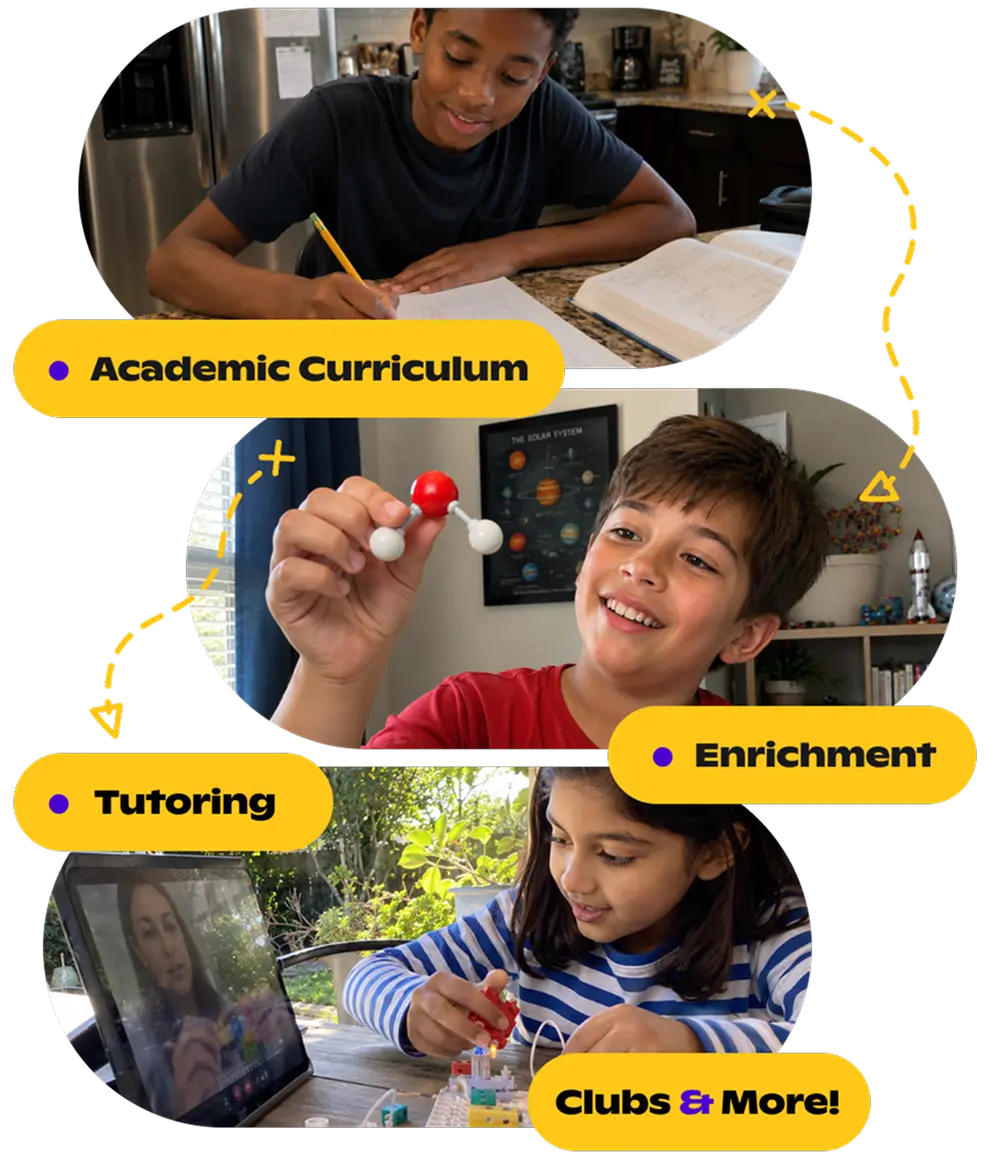
$20 off your first class WITH promo code: blog
Build the Education your Kid Deserves
Discover thousands of live classes taught by expert teachers, across academics and enrichment.
Browse classesStep 3: Find Outschool and understand how credits work
Search for "Outschool" in the Odyssey marketplace to find our provider listing. Outschool is an approved TEFA vendor listed under online educational programs and courses.
Outschool uses a credit-based system inside Odyssey. Rather than purchasing individual classes directly through Odyssey, families purchase Outschool credits through the marketplace and then apply those credits toward classes and tutoring on outschool.com.
Outschool offers a tiered credit discount: the more credits you purchase at once, the more you save per class. You can see the current credit tiers and discount amounts at outschool.com/esa/texas before deciding how much to load into your Outschool account. For families with a $2,000 annual TEFA award, purchasing credits in a larger bundle can stretch your funds further across the school year.
Once credits are loaded into your Outschool account, browse classes at outschool.com, enroll directly, and your credits are applied at checkout. Funds typically appear in your Outschool account within one business day of purchase through Odyssey.
Step 4: Complete your purchase and save your records
Once you are ready to make a purchase, TEFA funds are deducted directly from your available Odyssey balance during checkout.
After completing a purchase, save your Odyssey confirmation for your records. Your Odyssey account also tracks transaction history and your remaining balance throughout the school year.
In addition to Odyssey's built-in transaction history, keep a simple spending log of your own. Because TEFA accounts may be subject to audit, clear documentation of your educational purchases matters. A spreadsheet, a notebook, or your phone's notes app all work. The goal is an organized record of what you have spent and what remains.
What counts as an approved TEFA expense?
TEFA funds can be used for a defined set of educational categories established by the Texas Comptroller's office. Understanding what qualifies helps you plan your spending before funds arrive.
Approved expense categories:
- Tuition and fees at a participating private school
- Online educational programs and courses (Outschool is an approved provider in Odyssey)
- Career and technical education (CTE) programs and industry credential courses
- Textbooks, curriculum materials, and workbooks
- Academic assessments and standardized tests (including SAT, ACT, and subject-specific assessments)
- Private tutoring
- Educational therapies not covered by government benefits (such as speech therapy or occupational therapy)
- Transportation to and from approved educational programs
- Computer hardware and software, capped at 10% of your total award
A note on the technology cap: For homeschool/other students with a $2,000 award, the 10% cap means up to $200 can go toward devices, software, or tech accessories. For private school students, the cap applies to your full award amount. Plan technology purchases accordingly so you do not exceed the limit mid-year.
When in doubt about whether a specific purchase qualifies, refer to the official approved expense guidance at educationfreedom.texas.gov before committing funds. TEFA purchases later found to be non-approved may need to be returned to the state.
Common first-time mistakes to avoid
- Using the TEA finder tool to plan purchases and assuming those providers are automatically available to buy from inside Odyssey. Always confirm inside Odyssey.
- Assuming a preferred provider is approved without searching for them in Odyssey directly.
- Waiting until TEFA funds arrive to begin researching providers and educational options.
- Spending the full first installment immediately instead of planning across the full school year, especially relevant for private school families receiving funds in three rounds.
- Forgetting that some providers, including Outschool, use a credit system that requires a brief processing window before funds are usable on the provider's platform.
- Exceeding TEFA spending limits for certain categories, particularly the 10% technology cap.
Frequently asked questions
Is the TEA TEFA finder the same as Odyssey?
No. The TEA finder at finder.educationfreedom.texas.gov lists approved providers so you can browse your options. Odyssey at withodyssey.com is where you log in and actually spend your TEFA funds. Use the finder to research, then locate your chosen providers inside Odyssey to purchase.
How do I log in to Odyssey?
Go to withodyssey.com and sign in with the credentials you created during your TEFA application. If you have account issues, Odyssey's TEFA support center is at support.withodyssey.com.
How do I use TEFA funds for Outschool classes?
Search for Outschool in the Odyssey marketplace, select the amount of credits you want to purchase, and complete the transaction through Odyssey. Credits typically appear in your Outschool account within one business day. From there, browse classes at outschool.com and enroll using your credits at checkout.
Does Outschool offer a discount on credits?
Yes. Outschool offers tiered credit discounts: the more credits you purchase at once, the more you save per class. See the current credit tiers at outschool.com/esa/texas.
Can I use TEFA for tutoring?
Yes. Private tutoring is an approved TEFA expense category. Outschool offers live 1:1 tutoring sessions across math, reading, writing, science, and more, all available through the Odyssey marketplace.
What if a provider I want is not in Odyssey?
New providers are added to the Odyssey marketplace on a rolling basis throughout the year. If a provider you want is not yet listed, check back periodically or contact the provider directly to ask if they have applied to the program. You cannot reimburse yourself for purchases made outside of Odyssey.
This article is for informational purposes only. For official TEFA program information, including current approved expense guidance and funding timelines, refer to educationfreedom.texas.gov.



.svg)
.svg)