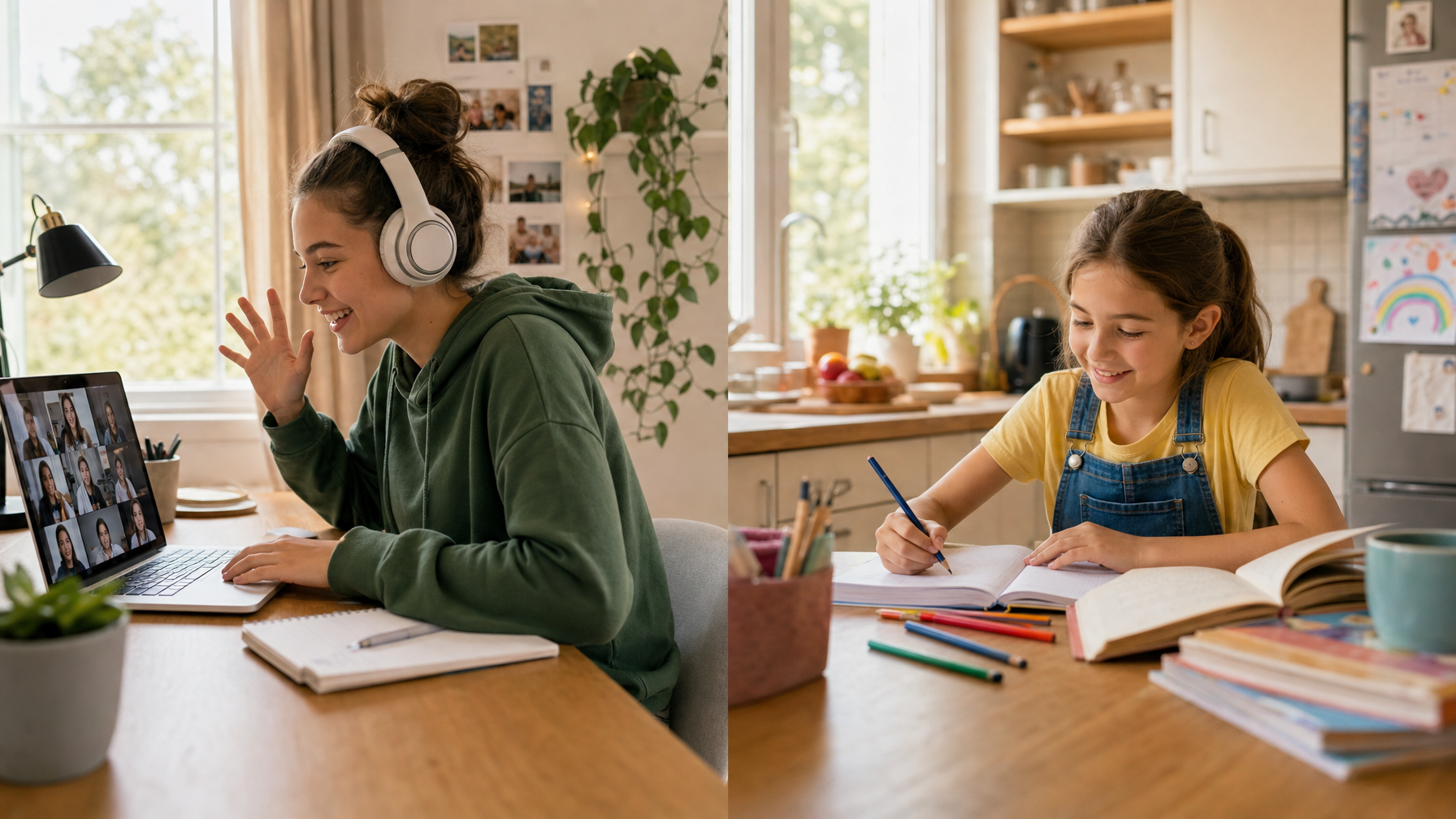
Most "educational" apps for kids fall into one of two categories: the ones that build real skills, and the ones that dress up screen time in bright colors and call it learning. The difference matters more than most product pages let on.
A 2025 study in JAMA Network Open found that interactive, skill-building screen use produced measurably different cognitive outcomes than passive consumption, even when total screen time was identical [1]. The format of the app, not just the hours logged, shaped whether kids retained anything.
So which apps hold up to scrutiny? We sorted through dozens of options, organized them by age, and flagged what to watch for before you hand over the tablet.
Ages 3 to 5: building blocks, not busy work
At this age, the goal isn't academic acceleration. It's pattern recognition, letter-sound connections, and the kind of curiosity that makes a kid want to keep exploring. Three apps stand out.
Khan Academy Kids covers early literacy, math, and social-emotional learning through stories and interactive exercises. It's free, ad-free, and doesn't push in-app purchases. The content follows a developmental progression rather than letting kids skip randomly between activities.
PBS Kids Games bundles mini-games tied to shows like Curious George and Daniel Tiger. Each game targets a specific skill (counting, rhyming, sequencing), and the difficulty adjusts as kids improve. Also free and ad-free.
Endless Alphabet teaches vocabulary through word puzzles where kids drag letters into place while animated monsters act out definitions. It's playful without being mindless, and the visual approach works well for kids who aren't ready for phonics drills yet.
Watch for: Apps in this age range that reward tapping and swiping with animations but don't ask kids to think. If your kid can "play" the app without learning what any of the letters or numbers mean, it's entertainment.
Ages 6 to 8: when practice needs a purpose
Kids in this range are building fluency in reading and math. The best apps here give structured practice with enough variety to prevent the worksheet-fatigue spiral.
Prodigy Math wraps grade-aligned math problems inside an RPG-style game. Kids answer questions to progress through quests. The free tier covers the core math content; the paid version adds cosmetic rewards but doesn't gate learning behind a paywall.
Epic is a digital library with 40,000+ books, audiobooks, and videos. Kids can browse by reading level, interest, or series. The read-to-me feature helps struggling readers follow along, and the quiz feature checks comprehension on select titles. Useful alongside a summer reading list or structured reading practice.
Duolingo works for early language exposure, especially Spanish, French, and Mandarin. The gamified streaks keep kids coming back, and the speech recognition feature pushes them beyond passive reading. Fair warning: the free version includes ads between exercises.
Watch for: Math apps that let kids guess repeatedly without consequence. If wrong answers don't trigger re-teaching or adjusted difficulty, the app is training speed, not understanding.
Ages 9 to 12: tools that build, not just drill
Older kids benefit from apps that shift from consumption to creation. The best options at this level ask kids to make something, solve open-ended problems, or build skills they can transfer outside the app.
Scratch (MIT Media Lab) is a free visual programming platform where kids create animations, games, and interactive stories by snapping code blocks together. It teaches computational thinking, sequencing, and debugging in a way that translates directly to text-based coding later. A natural complement to live coding classes.
BrainPOP covers science, social studies, math, and English through short animated videos followed by quizzes, concept maps, and creative challenges. The content aligns with common standards, and the "Make-a-Map" tool lets kids build visual summaries of what they've learned.
Google Arts and Culture isn't marketed as an educational app, but it's one of the most underused tools for this age group. Kids can take virtual tours of museums worldwide, zoom into artworks at brushstroke level, and explore historical timelines. Strong for curiosity-driven learning and homeschool enrichment.
Typing.com teaches touch typing through structured exercises and games. Typing speed matters more than most parents realize, especially as kids start writing longer assignments. The school version is free.
Watch for: Apps that claim to teach "coding" but only offer pre-built templates with no real logic or problem-solving. If a kid can't explain what their code does, they're assembling, not programming.
How to tell if an app is teaching or just entertaining
Three questions cut through the marketing:
1. Does the app adapt? Good educational apps adjust difficulty based on what a kid gets right and wrong. If every session feels the same regardless of performance, the app isn't tracking progress.
2. Can your kid explain what they learned? After 20 minutes, ask your kid to show you something new they figured out. If they can't articulate it, the app may be engaging without being instructive.
3. Does it replace or supplement? The strongest apps supplement real instruction, like a teacher who can ask follow-up questions, adjust explanations, and notice when a kid is faking understanding. Apps can reinforce skills, but they can't read the room. That's where live classes with real teachers fill the gap.
A note on screen time and learning
The concern about screen time is valid, but the research keeps pointing in the same direction: what kids do on screens matters more than how long they're on them [1]. An hour of Scratch is categorically different from an hour of YouTube autoplay.
That said, even the best app works better when a parent is nearby to ask questions, celebrate breakthroughs, and notice frustration. The research on durable skills suggests that collaboration and critical thinking, the skills parents care about most in an AI-saturated world, still develop best in conversation, not in isolation with a device.
If you're looking for a broader list of free tools beyond apps, our 50+ free educational resources guide covers websites, libraries, and community programs alongside the digital options.
FAQ
Are free educational apps as good as paid ones?
Some of the best apps on this list, Khan Academy Kids, Scratch, PBS Kids Games, and Typing.com, are completely free. Paid apps sometimes offer better content libraries or remove ads, but price isn't a reliable quality signal.
How much time should my kid spend on educational apps?
There's no universal number. The AAP recommends co-viewing and active engagement over passive use. For most families, 20 to 40 minutes of focused app time per day is a reasonable starting point, especially when paired with offline activities.
Can apps replace tutoring or classes?
Apps are strongest as reinforcement tools, not replacements for live instruction. A teacher can spot misconceptions, adjust pacing, and push a kid past a comfort zone in ways that algorithms can't replicate yet.
What about AI-powered learning apps?
AI tutoring apps are improving, but most still struggle with the open-ended, conversational teaching that helps concepts stick. For a deeper look at what's available and what to watch for, see our guide on AI tools for kids.
Sources
[1] JAMA Network Open. "Association of Interactive vs Passive Screen Use With Cognitive Development in Children." October 2025. jamanetwork.com/journals/jamanetworkopen


.svg)
.svg)